
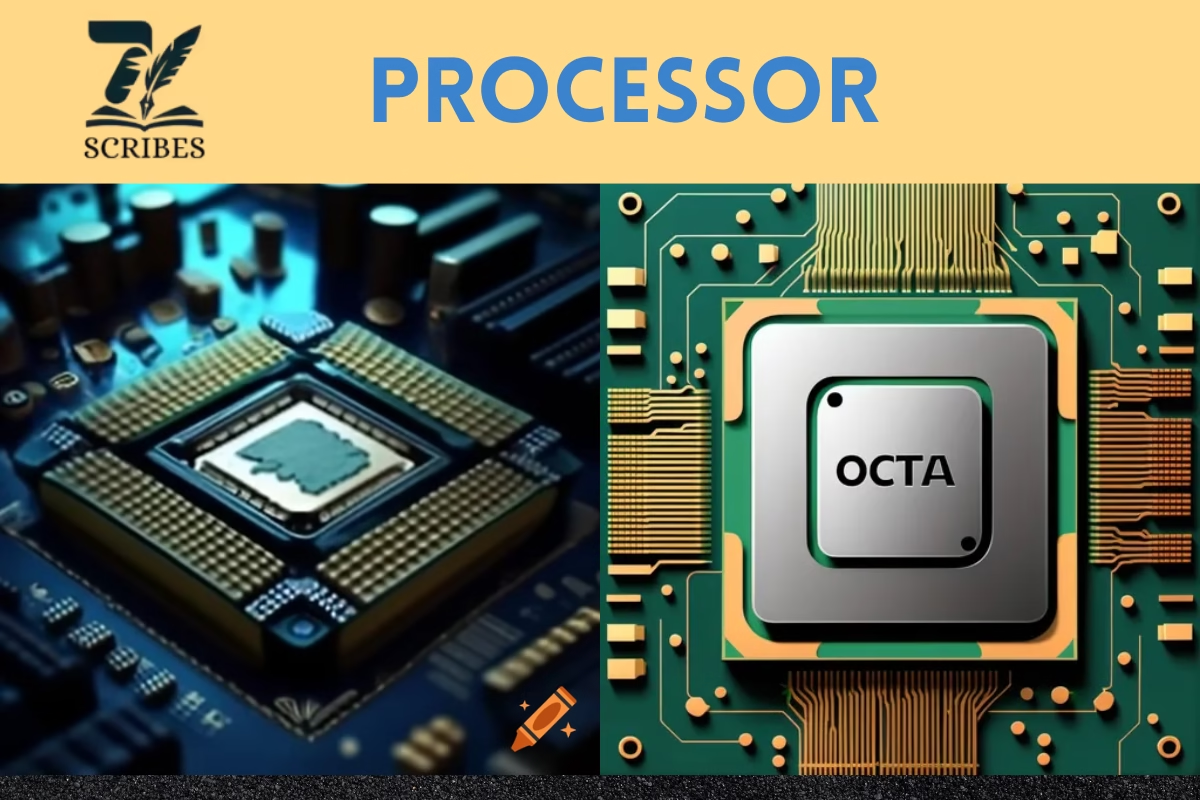
Understanding the processor and types of processor is essential, as they form the core of every computing device. A processor, also known as the Central Processing Unit (CPU), serves as the brain of a computer, executing instructions and controlling both hardware and software operations. It performs arithmetic, logical, control, and input/output tasks that allow the system to function efficiently. Without a processor, no program or command could run, from browsing the web to gaming or editing videos.
What Is a Processor?
A processor, also known as a Central Processing Unit (CPU), is the brain of every computing device. From laptops and smartphones to gaming consoles and supercomputers, the processor executes every instruction that allows software and hardware to communicate. Made primarily of silicon, it contains millions or even billions of transistors that perform logic, arithmetic, control, and input/output operations.
Without a processor, your computer is just an expensive box of parts. Every click, every program, every game — all rely on how efficiently the processor interprets and executes commands.
Functions of a Processor
The processor performs four main types of operations:
- Arithmetic Operations: Handles mathematical tasks like addition, subtraction, multiplication, and division.
- Logical Operations: Performs comparisons (e.g., greater than, equal to).
- Control Operations: Directs the flow of data between memory, input/output devices, and other hardware components.
- Input/Output Operations: Communicates with external devices, such as keyboards, displays, and storage devices.
Characteristics of a Processor
A processor’s performance depends on several key features:
1. Cores
Modern CPUs come with multiple cores. Each core acts like an individual processor, enabling multitasking and parallel computing. For example, a quad-core CPU can handle four separate tasks simultaneously.
2. Clock Speed
Measured in gigahertz (GHz), clock speed indicates the number of cycles a processor completes per second. Higher clock speed means faster performance.
3. Cache Memory
The cache is a small, high-speed memory area that stores frequently used data for quick access. CPUs usually have L1, L2, and L3 caches.
4. Instruction Set Architecture (ISA)
This defines what the processor can understand and execute. Common architectures include x86, x64, and ARM.
5. Processor Size and Efficiency
Newer processors are smaller, lighter, and consume less power while offering more performance thanks to advanced nanometer (nm) fabrication technology.
6. Price and Complexity
As the number of cores and speed increase, so does the manufacturing complexity and cost.
Types of Processors (With Examples)
Now let’s go through each type of processor, from the oldest single-core models to the latest multi-core giants used in gaming PCs and servers.
1. Single-Core Processor
The single-core processor was used in early computers. It can process only one instruction at a time. Multitasking is slow because each new process must wait for the previous one to finish.
- Performance: Limited and outdated
- Use Case: Early personal computers and microcontrollers
- Example: Intel Pentium I, ARM Cortex-M0
2. Dual-Core Processor
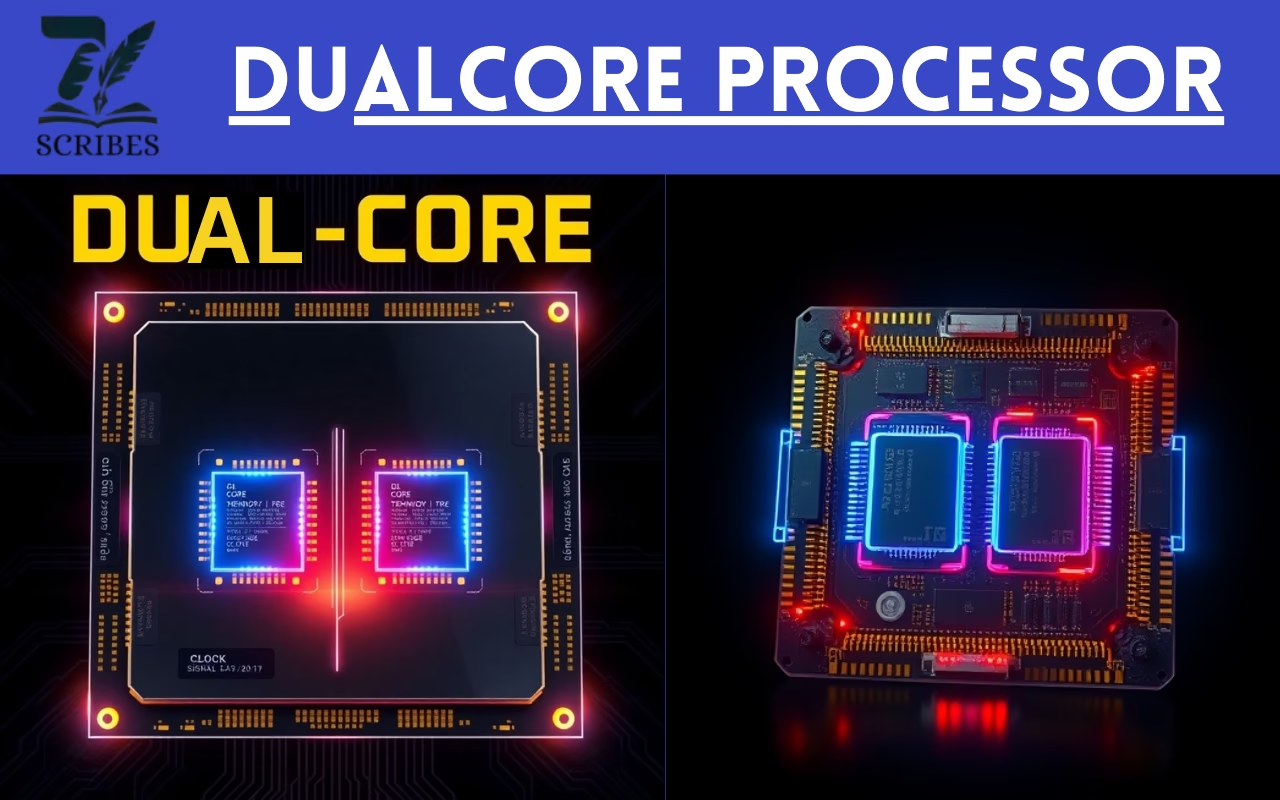
A dual-core processor contains two cores, which allows it to perform multiple tasks simultaneously. Each core has its cache, improving multitasking.
- Performance: Moderate for everyday tasks
- Use Case: Browsing, office work, media playback
- Examples: Intel Core 2 Duo, AMD Athlon II
3. Quad-Core Processor
A quad-core CPU includes four cores, enabling smoother performance for multitasking and light gaming. It can handle four threads at once.
- Performance: Good for gaming, streaming, and content creation
- Use Case: Students, professionals, gamers
- Examples: Intel Core i5, AMD Ryzen 5
4. Hexa-Core Processor
A hexa-core processor has six cores, offering more parallelism and efficiency. These CPUs are common in gaming PCs and high-end laptops.
- Performance: Excellent balance of speed and efficiency
- Use Case: Graphic design, video editing, gaming
- Examples: Intel Core i5-9600K, AMD Ryzen 5 3600
5. Octa-Core Processor
The octa-core CPU comes with eight cores, often structured as two sets of quad-core units. It’s used in modern smartphones and high-performance desktops.
- Performance: Ideal for heavy multitasking and demanding applications
- Use Case: High-end gaming, 3D rendering, simulations
- Examples: Qualcomm Snapdragon 8 Gen 2, Intel Core i7-11700K
6. Deca-Core Processor
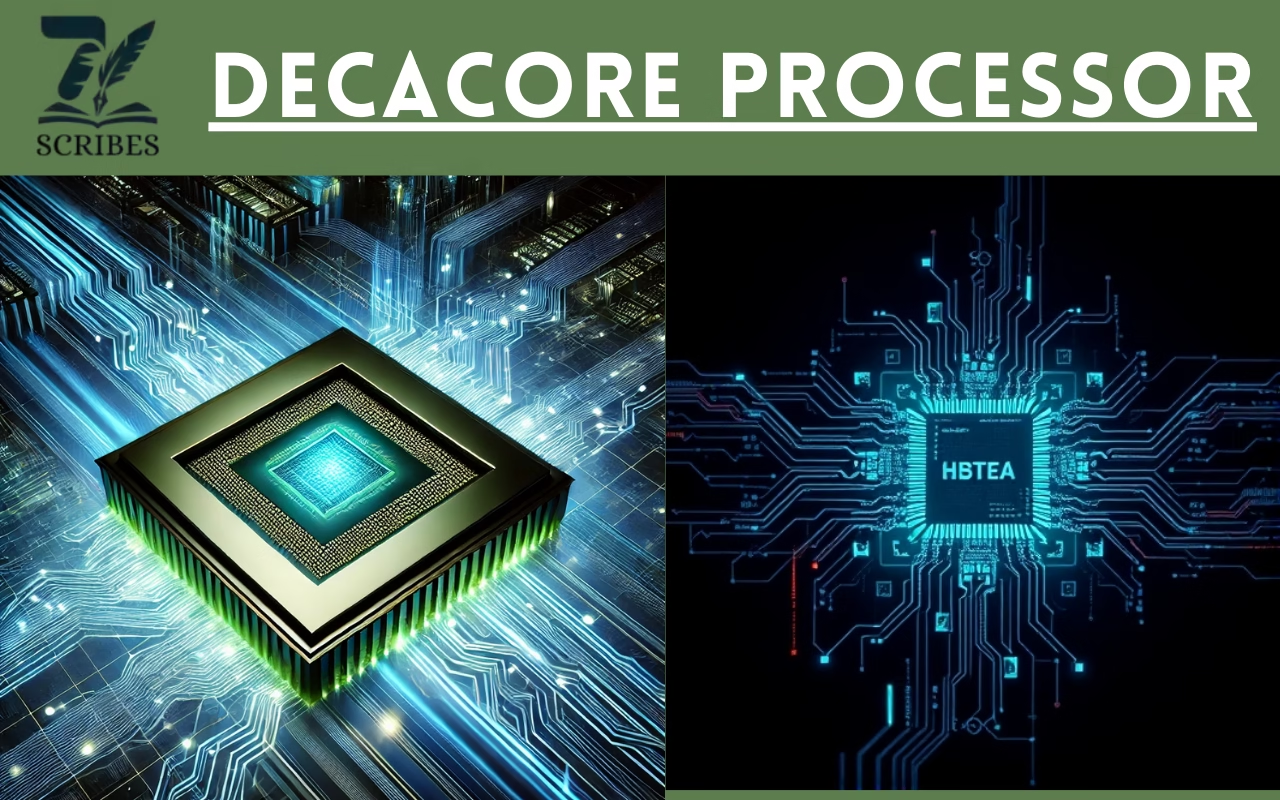
A deca-core processor includes ten cores, designed for extreme multitasking and professional workloads, such as 4K video rendering and VR.
- Performance: Exceptional multitasking
- Use Case: Advanced gaming systems, AI computing
- Examples: MediaTek Helio X30, Intel Core i9-10900K
7. Multi-Core Processor (12-Core and Beyond)
Modern high-end CPUs and server processors may have 12, 16, 24, or even 64 cores. These are used in servers, AI models, and data centers.
- Performance: Massive parallel computation
- Use Case: Scientific research, enterprise servers
- Examples: AMD Ryzen Threadripper, Intel Xeon W-3175X
Processor Architecture (32-bit vs. 64-bit)
Processor architecture defines how data and memory are handled.
- 32-bit Processors: Handle data in 32-bit chunks. Limited to ~4GB RAM.
- 64-bit Processors: Handle data in 64-bit chunks. Support larger RAM, faster computing, and enhanced security.
Most modern systems use 64-bit processors due to their superior performance.
How to Choose the Right Processor
When choosing a processor, consider:
- Purpose: Gaming, productivity, or general use.
- Cores and Threads: More cores mean better multitasking.
- Clock Speed: For faster responsiveness.
- Cache and Architecture: Determines speed and compatibility.
- Thermal Design Power (TDP): Indicates power efficiency.
Conclusion
The processor is the heart of every computing device. Its type, speed, and architecture determine how efficiently your system performs. From single-core processors in early computers to multi-core monsters in modern machines, the evolution of CPUs has shaped technology itself.
Choosing the right processor means understanding your needs — whether it’s gaming, design, programming, or research.
If you optimize this article with proper structure, meta tags, and schema, it won’t just rank — it’ll stay on the first page.
FAQs About Processors
Q1. What is a processor in a computer?
A processor is the main chip that executes all instructions from software and the operating system.
Q2. What are the key functions of a processor?
Arithmetic, logical, control, and input/output operations.
Q3. What are the characteristics of a good processor?
High clock speed, multiple cores, large cache, and modern architecture.
Q4. Which type of processor is best for gaming?
Quad-core and hexa-core processors, such as Intel Core i7 or AMD Ryzen 5, offer excellent performance.
Q5. What is the difference between 32-bit and 64-bit processors?
A 64-bit processor handles more data per cycle and supports larger memory capacities than a 32-bit one.


Leave a Comment
Your email address will not be published. Required fields are marked *
No Comments Yet
Be the first to share your thoughts!