
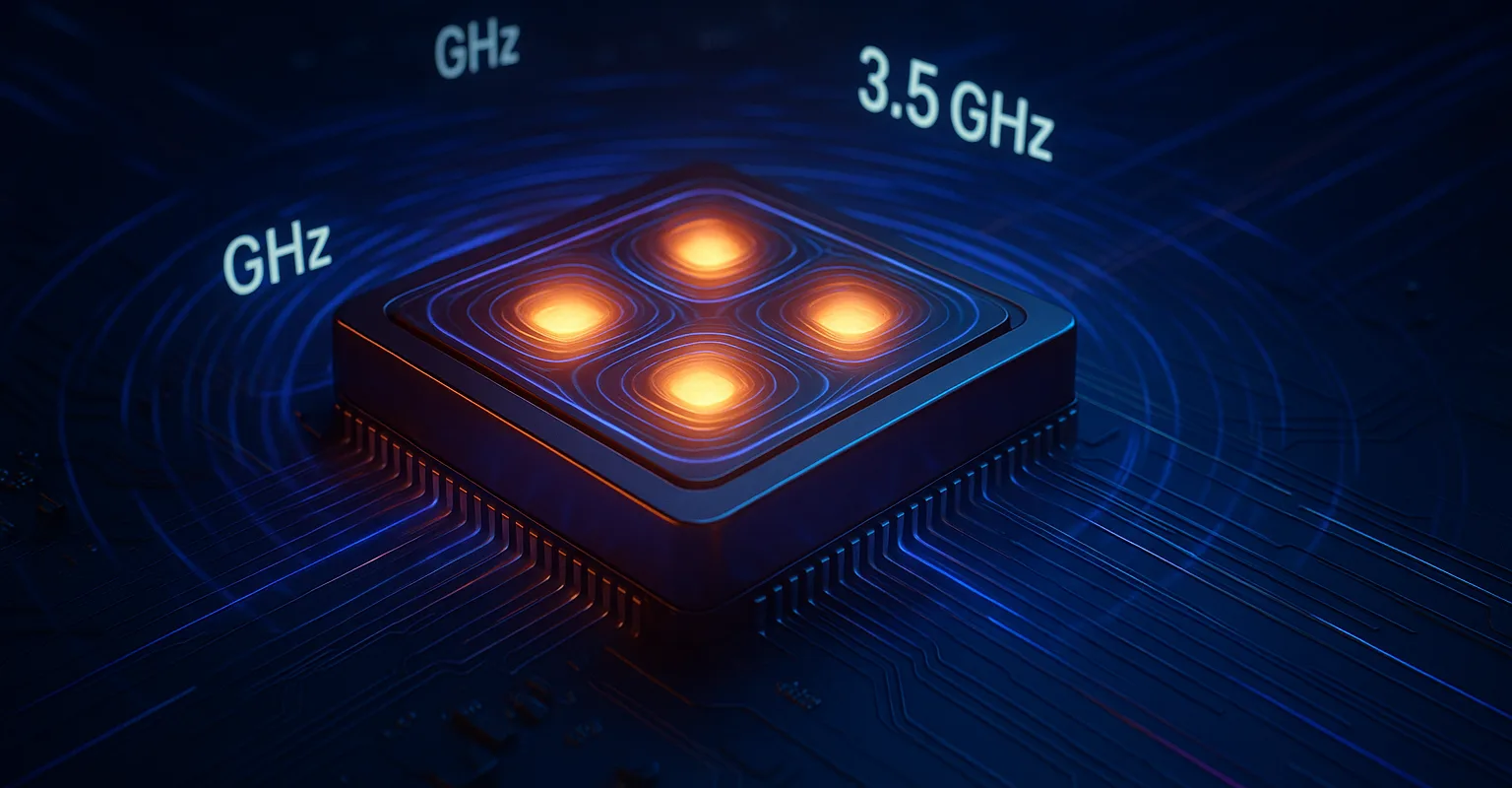
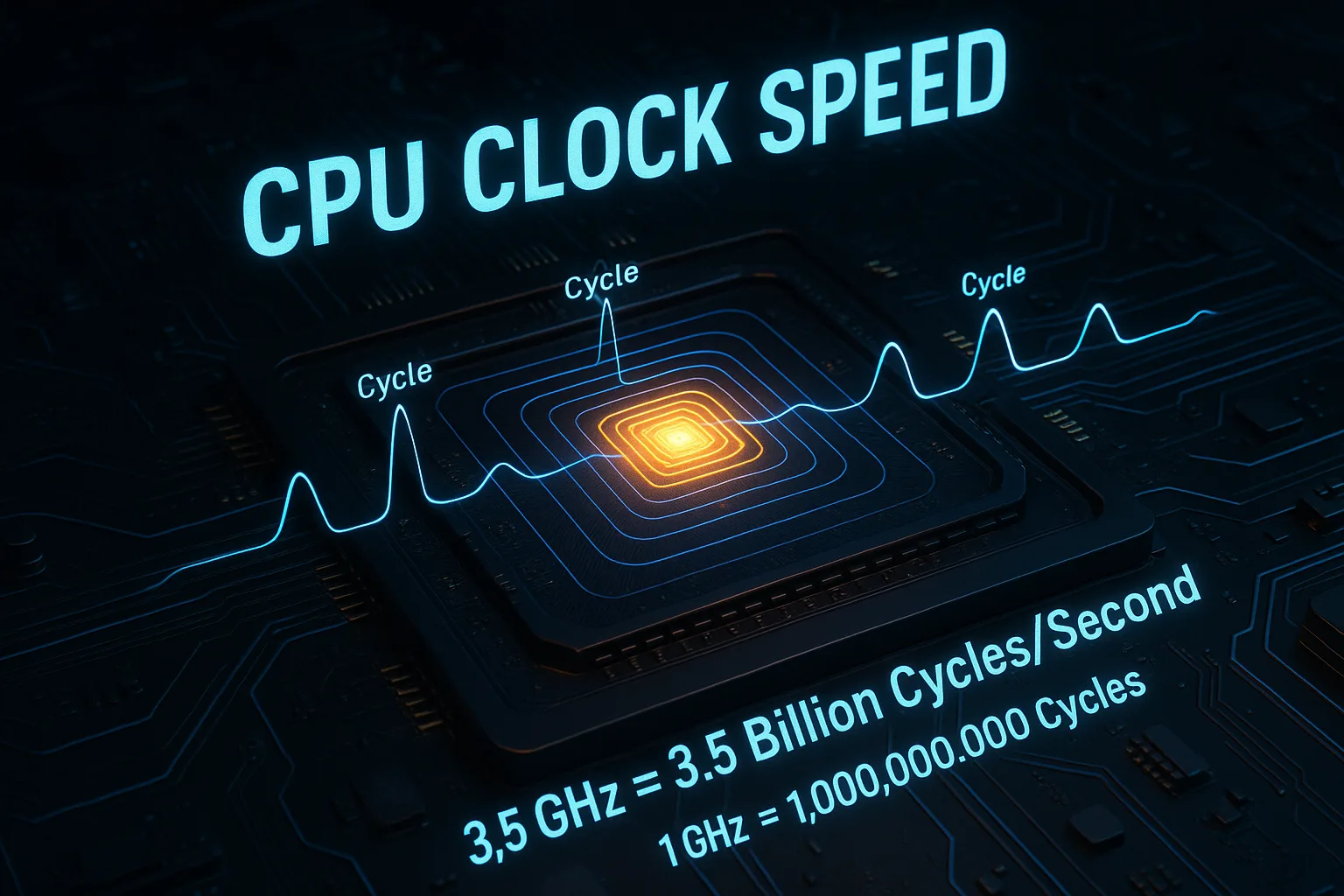
Let’s start with the basics. CPU clock speed—measured in gigahertz (GHz)—tells you how many cycles your processor can complete every second. Think of it like a drummer setting the tempo for a band: each “beat” signals your CPU to execute an instruction. So, a 3.5 GHz clock speed means 3.5 billion cycles per second! While higher numbers often mean a faster processor, it’s not the whole story. Clock speed is your CPU’s heartbeat—but as we’ll see, a steady beat matters more than just a fast one.
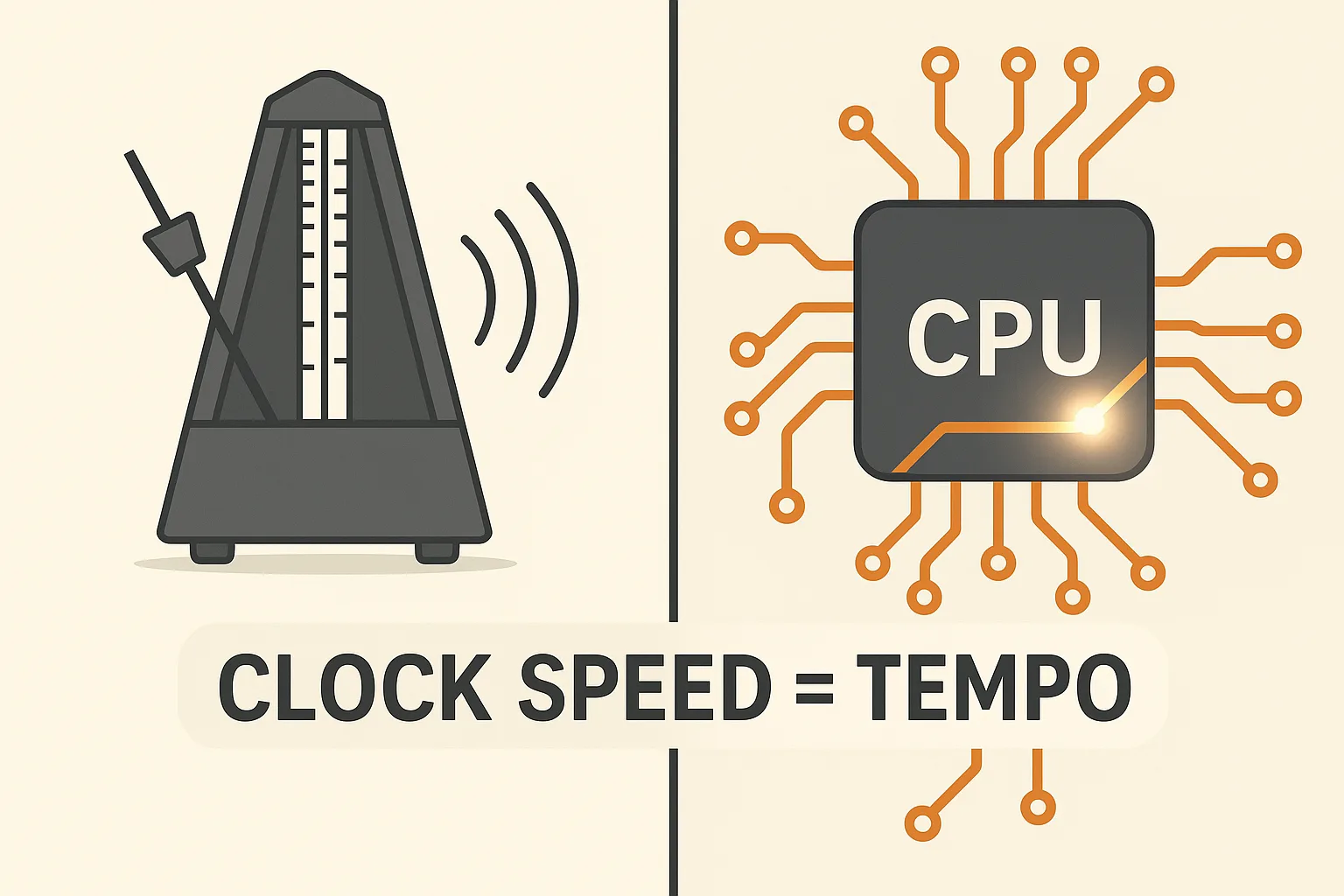
What Is CPU Clock Speed? A Simple Definition
At its core, CPU clock speed is the pace at which your processor operates. Measured in gigahertz (GHz), it’s the engine’s RPM under the hood of your computer. One gigahertz equals one billion cycles per second. In each cycle, your CPU can perform a fundamental action, like fetching data or completing a calculation. It’s the most advertised spec because, generally, a higher GHz means a faster chip. But this speed is just one part of a much larger performance picture.
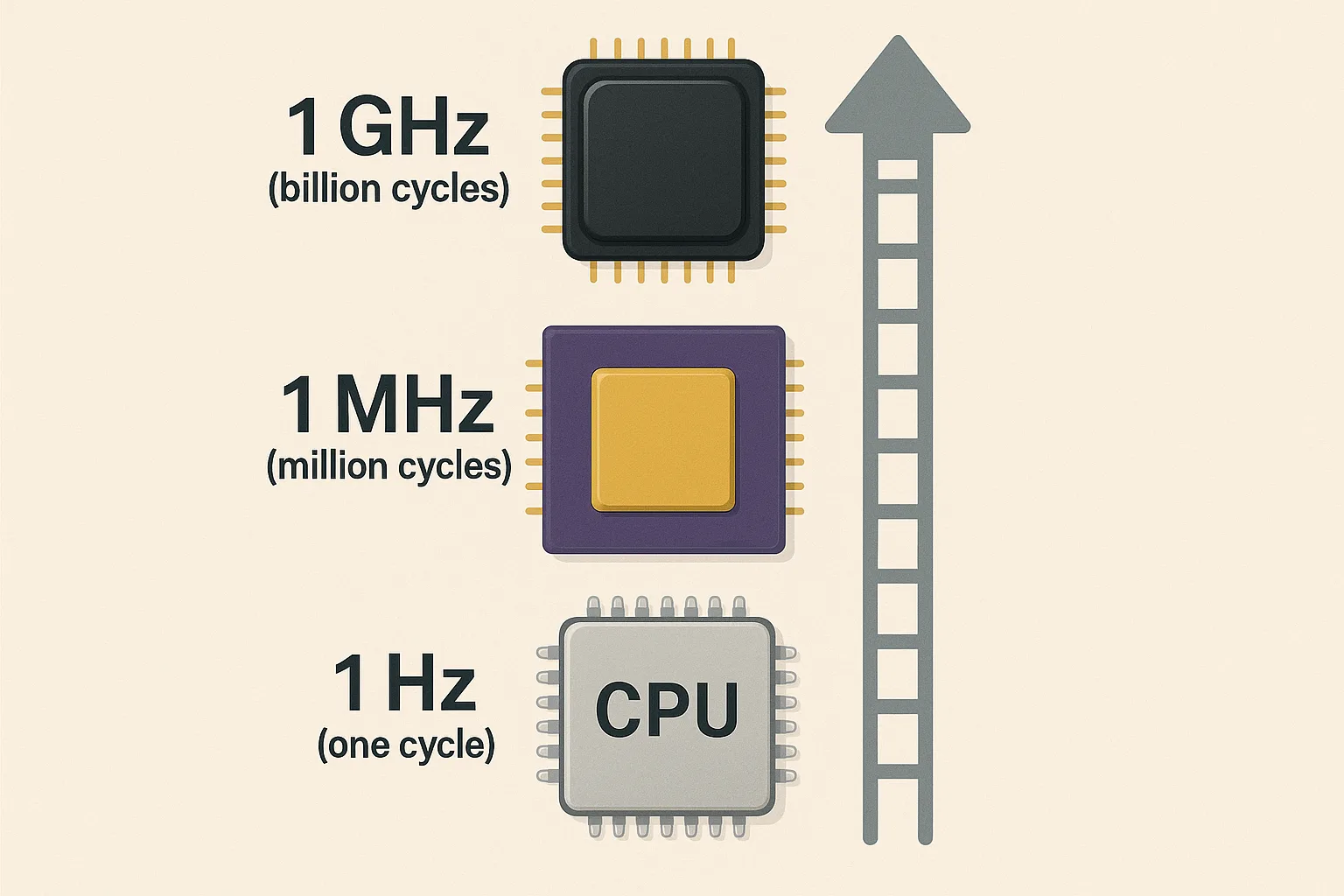
How CPU Clock Speed Is Measured: Understanding GHz, MHz & Hz
The measurement starts small, with the hertz (Hz)—one single cycle per second. You’ll see kilohertz (kHz) for thousands, megahertz (MHz) for millions, and today, gigahertz (GHz) for billions of cycles. This progression mirrors the incredible evolution of processor technology.
But here’s the crucial insight: a higher count of cycles per second doesn’t automatically translate to better real-world speed. A chip from 2005 running at 3.0 GHz is leagues slower than a modern chip at the same clock speed. Why? Because the modern chip has a more advanced design that accomplishes far more work within each cycle. The raw GHz number is vital, but it’s only the starting point for understanding true CPU performance.
CPU Clock Speed vs. Cores: Which Matters More for You?
This is the most common point of confusion. Do you want a processor with higher clock speed or more cores? The best analogy is a restaurant kitchen.
Clock speed is how fast each chef (core) can prepare a single order. More GHz means each chef works faster. CPU cores are the number of chefs you have. More cores mean you can prepare many different orders simultaneously.
So, which should you prioritize?
-
Prioritize Higher Clock Speed: For gaming, older software, and tasks that rely on single-thread performance—getting one thing done as quickly as possible.
-
Prioritize More Cores: For video editing, 3D rendering, streaming, and scientific computing, where the workload can be split across multiple paths.
For the specific challenge of running a game and encoding a live stream at the same time, finding the perfect balance is key. Our guide to the best CPU for gaming and streaming dives deep into this exact scenario. Most users need a balanced approach for a smooth, responsive experience.
Base Clock vs. Boost Clock: Making Sense of CPU Speed Ratings
Modern CPUs are dynamic. You’ll see two clock speed numbers: the Base Clock and the Boost Clock (or Turbo Boost).
Think of your processor like a car. The base clock is its efficient highway cruising speed—the default GHz it maintains for everyday tasks, balancing performance with power consumption and heat. The boost clock is its temporary, pedal-to-the-metal acceleration. When you launch a demanding application, the CPU intelligently “overclocks” itself to a higher GHz for a short, powerful burst before thermal limits gently rein it back in.
This technology is fundamental to modern performance, giving you extra power exactly when you need it. However, sustaining that peak boost clock depends heavily on your system’s cooling, which brings us to a critical limitation.
CPU Architecture: Why Clock Speed (GHz) Isn’t Everything
You cannot directly compare GHz across different CPU generations or brands. The reason is architecture—the underlying design and efficiency of the processor. This is measured by IPC (Instructions Per Cycle), or how much actual work the CPU completes with each tick of its clock.
A real-world CPU benchmark shows this clearly: an older Intel Core i7 from 2014 at 4.0 GHz can be outperformed by a modern AMD Ryzen 5 at just 3.6 GHz. The newer chip’s advanced architecture gives it a higher IPC, meaning it does more work per cycle, making its lower clock speed more effective.
This architectural divide is central to the ongoing Intel vs AMD debate. Their different design philosophies mean that 4.0 GHz from one brand can deliver a noticeably different experience than 4.0 GHz from the other. Raw speed is meaningless without the context of design efficiency.
Common CPU Clock Speed Myths Debunked
Let’s clear the air by busting persistent myths with facts.
Myth 1: “Higher GHz Always Means Faster Performance.”
False. Architecture (IPC) is equally important. A modern CPU at 4.0 GHz can easily beat an older one at 5.0 GHz.
Myth 2: “You Can Directly Compare GHz Between Intel and AMD.”
False. Due to architectural differences, their GHz ratings are not equivalent. Performance must be checked via benchmarks, not spec sheets.
Myth 3: “Overclocking is Free Performance.”
It’s more performance, but not free. It significantly increases heat and power draw, requiring better cooling to avoid damaging thermal throttling.
Myth 4: “Boost Clock is a Guaranteed, Constant Speed.”
Your boost clock is the
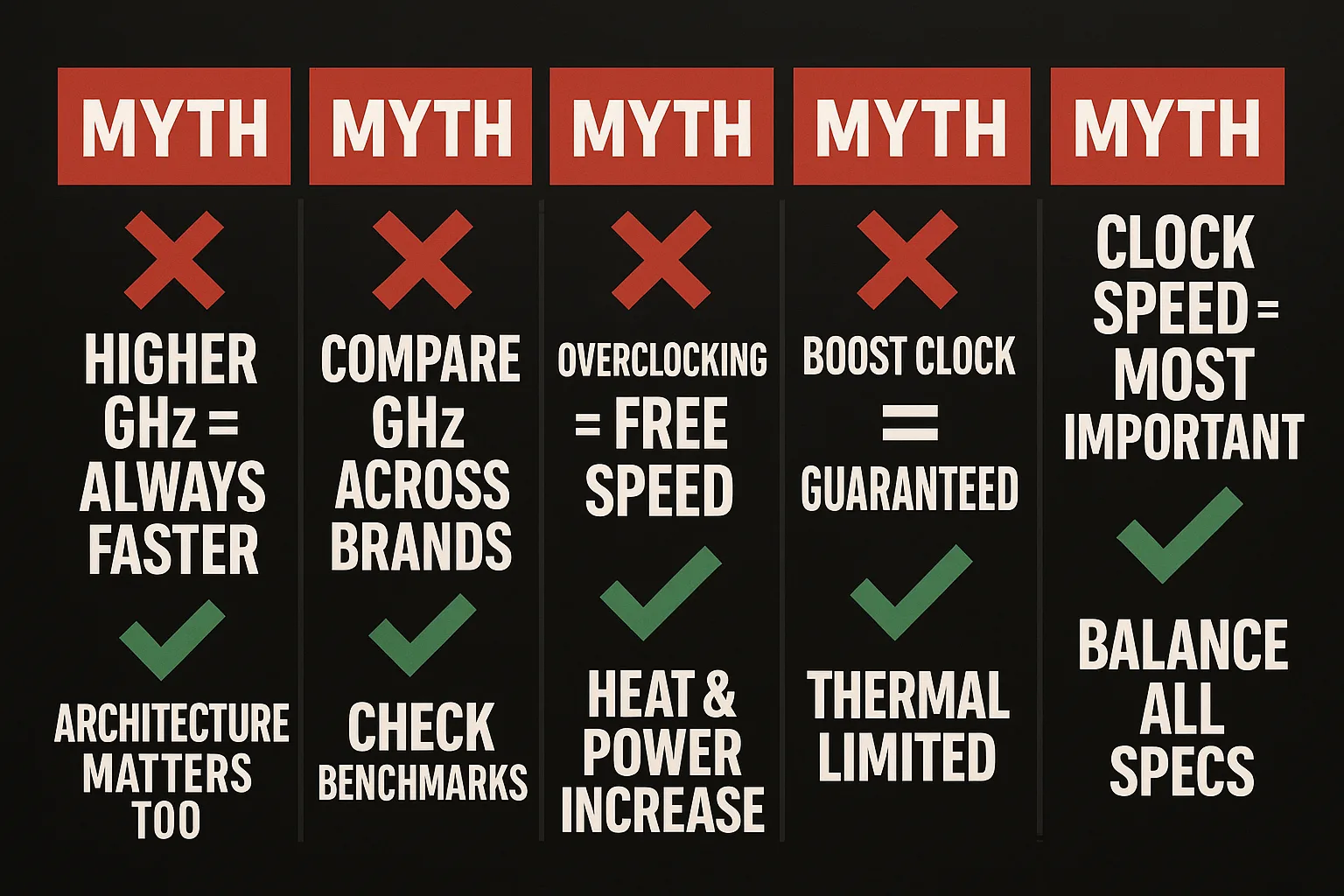
maximum potential speed. It’s limited by temperature, power delivery, and how many cores are active.
Myth 5: “Clock Speed is the Most Important CPU Spec.”
It’s a key spec, but balanced performance comes from the synergy of clock speed, core count, cache, and memory support. For a holistic selection method, see our detailed guide on how to choose a processor.
CPU Clock Speed in Action: Gaming, Productivity & Everyday Use
What does clock speed mean for your daily use?
For gaming performance, high single-thread performance (driven by clock speed and IPC) is often king, driving higher frame rates in many titles. A CPU with a high boost clock feels snappier here.
For productivity like video editing or coding, core count typically yields bigger gains than pure GHz, as these apps efficiently split workloads.
For general use—browsing, office apps, media—a modern mid-range processor offers the perfect balance of efficient architecture and quick boost clocks when needed.
| Use Case | Recommended GHz Focus | Priority |
|---|---|---|
| Casual / Everyday | 3.0 – 4.0 GHz (Base) | Modern architecture & efficiency |
| Mainstream Gaming | 3.5 – 4.5 GHz (Boost) | Strong single-thread speed |
| Professional Work | 4.0+ GHz (Sustained) | High core count + sustained speed |
How to Choose a CPU: A 4-Step Clock Speed & Performance Guide
Use this framework to make a confident choice.
Step 1: Budget First
Set a total system budget. A common mistake is overspending on a high-GHz CPU while skimping on the GPU, RAM, or cooling. Balance is key.
Step 2: Analyze Your Actual Use Case
Be honest. Are you mostly gaming? Prioritize single-core performance and high boost clocks. Editing videos? Prioritize core count. Your software dictates what matters.
Step 3: Plan for Cooling
High clock speeds generate heat. Ensure your case has good airflow and budget for a capable CPU cooler. There’s no point buying for speed if the chip will immediately thermal throttle.
Step 4: Future-Proof Thoughtfully
Don’t just buy for today. Is your software using more cores? A CPU with a slightly lower GHz but more cores and a newer architecture may age better.
How to Monitor & Optimize Your CPU Clock Speed
Want to see your chip in action? On Windows, open Task Manager (Ctrl+Shift+Esc) > Performance tab > CPU. You’ll see your GHz fluctuating—this is a normal dynamic adjustment. If the speed is stuck below the base clock during a game, you may have a thermal or power issue (thermal throttling).
Remember: A laptop CPU and a desktop CPU with the same GHz rating perform differently. Laptops are constrained by thermals and battery life, so their boost clocks are often brief. Desktops with good cooling can sustain high speeds longer.
Overclocking Your CPU Clock Speed: Risks & Rewards
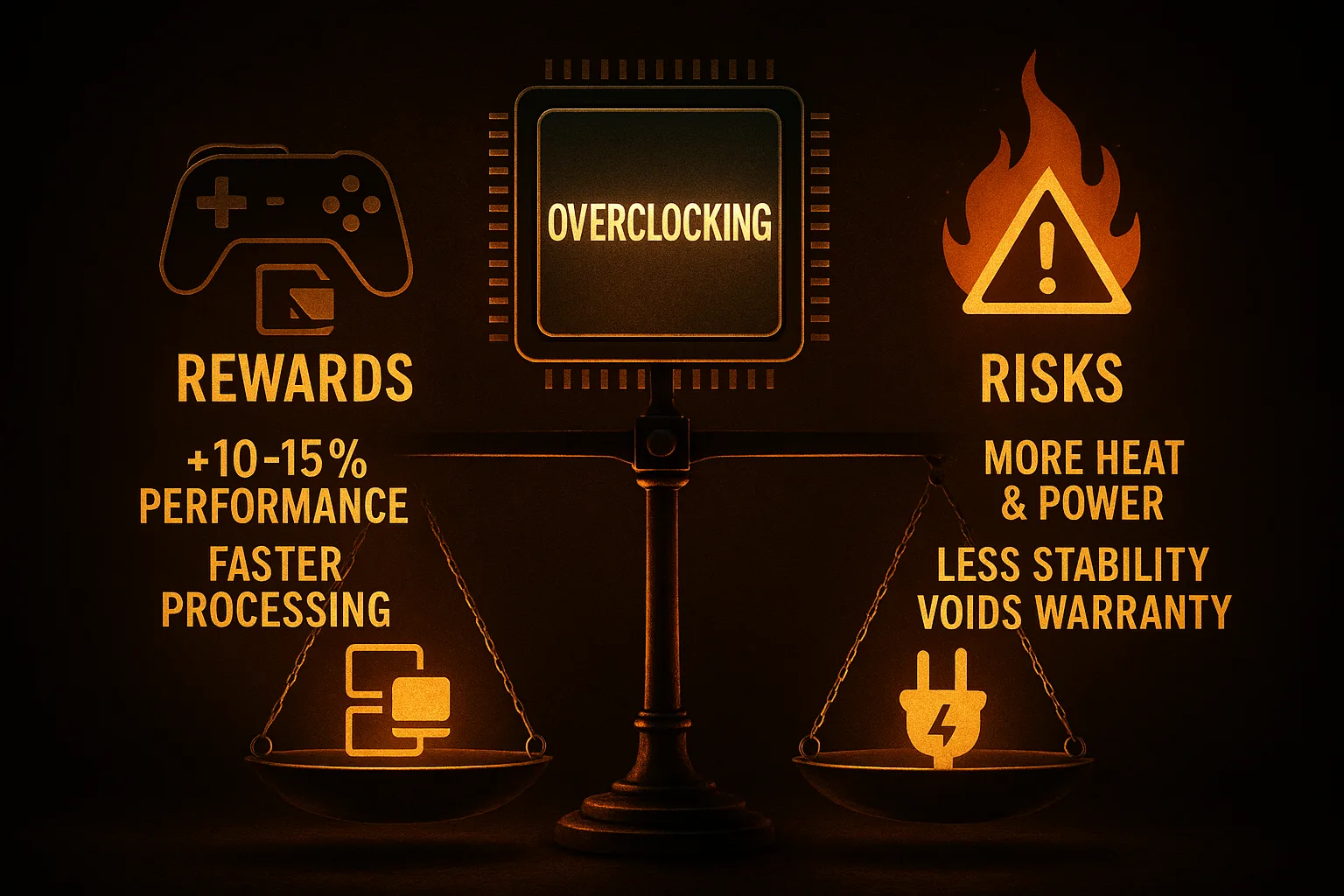
Overclocking manually pushes your CPU beyond its rated clock speed for more performance. It’s like training an athlete to run a faster mile.
The reward can be a tangible 5-15% boost in games or rendering. However, the risks are real:
-
Voids Warranty: Pushing beyond specifications often invalidates your CPU’s warranty.
-
Increases Heat & Power: This is guaranteed, requiring superior cooling.
-
Causes Instability: Too much can lead to crashes, blue screens, or data corruption.
-
May Shorten Lifespan: Aggressive overclocking can reduce the component’s lifespan over time.
For most users, modern boost clock technology is so good that manual overclocking offers diminishing returns for substantial extra cost and risk.
The Future of CPU Clock Speed & Processor Design
The race for pure GHz is evolving. We’re approaching physical limits for how fast we can push silicon without extreme heat and power use. The innovation is now horizontal.
Instead of just one faster worker (higher clock speed), chip designers are adding specialists to the team:
-
Hybrid Architectures (like Intel’s P-cores and E-cores) combine high-speed cores with efficient cores.
-
Integrated AI Accelerators (NPUs) handle AI tasks separately.
-
Advanced Power Efficiency delivers more performance per watt.
The future isn’t just a higher GHz number—it’s about smarter, more efficient designs that deliver the right kind of performance exactly where you need it.
CPU Clock Speed FAQ’s
Q1: Is 3.2 GHz fast enough for Windows 11 and everyday use?
Yes, perfectly. For general use, a modern CPU with a base clock around 3.2 GHz is ample. Architecture efficiency matters more here than raw speed.
Q2: How much difference does 0.5 GHz make in games?
It depends on the game and your GPU. In CPU-intensive titles, a jump from 4.0 to 4.5 GHz might yield a 5-10% FPS increase. It’s noticeable but not revolutionary.
Q3: Why does my CPU sometimes run below its base clock?
This is normal power-saving behavior (called “down-clocking”). At idle, the CPU slows down to save power and reduce heat. It instantly ramps up when needed.
Q4: Should I prioritize clock speed or cache size?
For most, prioritize a balanced, modern processor. Cache helps, especially in games, but clock speed and core count are more fundamental. Don’t choose an older high-cache chip over a newer one with better architecture.
Q5: How does RAM speed interact with CPU clock speed?
They work as a team. Slow RAM can bottleneck a fast CPU, forcing it to wait for data. For optimal CPU performance, pair your chip with RAM at its supported sweet spot (e.g., DDR5-6000 for modern platforms).





Leave a Comment
Your email address will not be published. Required fields are marked *
No Comments Yet
Be the first to share your thoughts!