
With the academic landscape shifting rapidly, finding the best AI writing tools 2026 has to offer is essential for staying ahead of the curve. Today, universities have moved past “banning” AI. Now, they expect students to use it as a sophisticated “thinking partner.” This guide cuts through the noise. It provides a clear, ethical map of the software that actually matters for your schoolwork this year.
Why Students Need AI Writing Tools in 2026
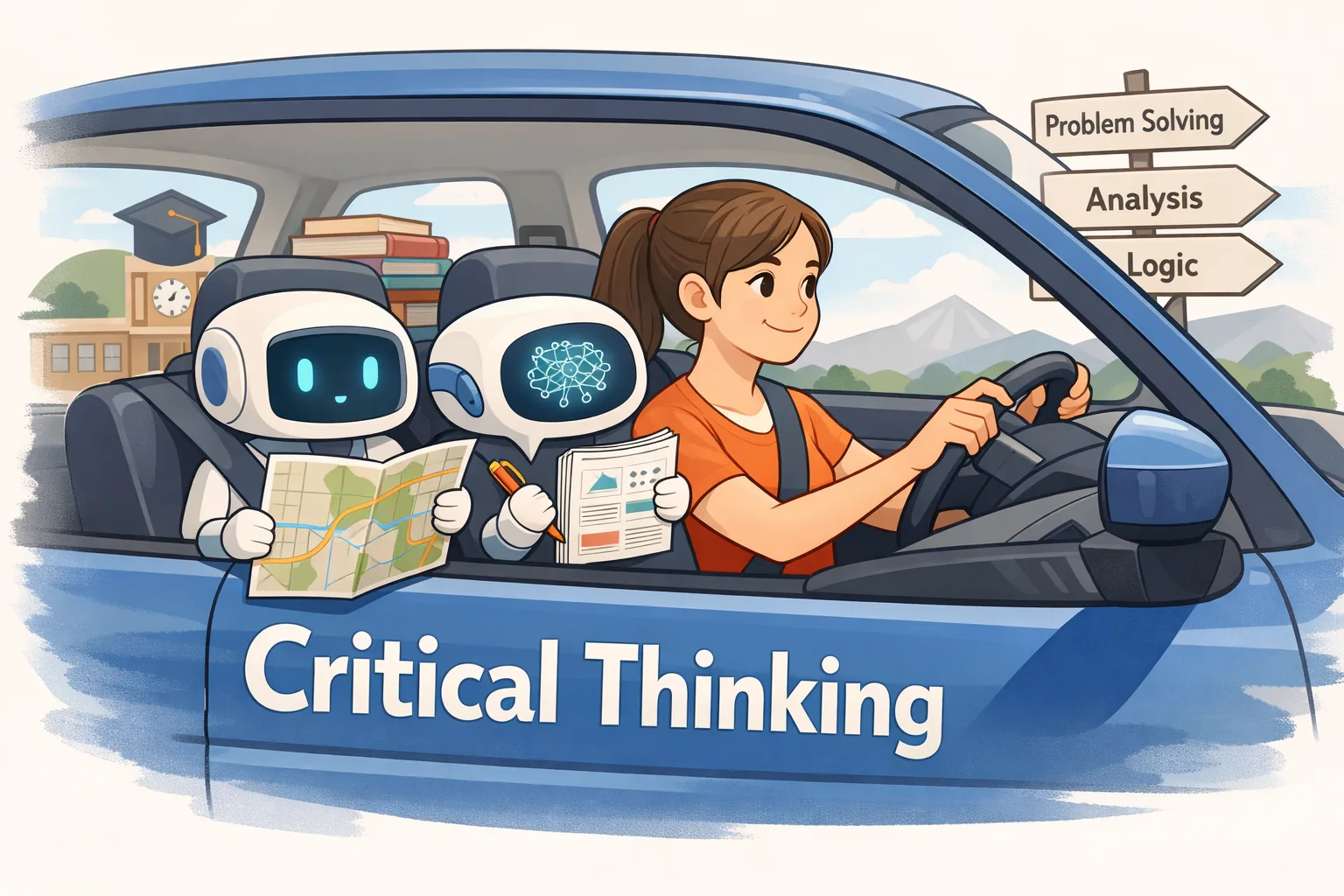
AI tools now do more than check grammar. They help you think. These tools organize research. They structure arguments. They clarify complex ideas. Every top student uses AI as a coach. They don’t use it as a ghostwriter. Your critical thinking stays central. The tools just amplify it.
Quick 2026 Guide: The “TL;DR” Summary
If you are in a rush, here are the top picks based on student needs:
Best All-Around Assistant: GrammarlyGO – The industry standard for editing and tone adjustment.
Best Free Starter Stack: ChatGPT + QuillBot + Zotero – A powerful, zero-cost workflow for drafting and citing. Looking for more QuillBot options? See our detailed guide on QuillBot alternatives for 2026.
Best for Research: Jenni.ai – Auto-formats citations and manages academic references using your own sources.
The Golden Rule: AI is a helper, not a ghostwriter. Your critical thinking is irreplaceable.
Comparing the Best AI Writing Tools 2026 for Academic Success
Instead of a massive, overwhelming list, we’ve organized key tools into clear tiers. This helps you instantly see which category fits your primary need.
Tier 1: The Student Essentials
The core tools address the most common academic writing challenges.
| Tool | Best Used For | 2026 Student Price | Key Student Feature |
|---|---|---|---|
| GrammarlyGO | Polishing Drafts | ~$8.40/mo (60% discount) | Advanced grammar and clarity checker for formal academic writing. |
| Jenni.ai | Research & Citations | ~$12.00/mo (Annual) | Auto-formatting citations (APA/MLA/Chicago) as you type. |
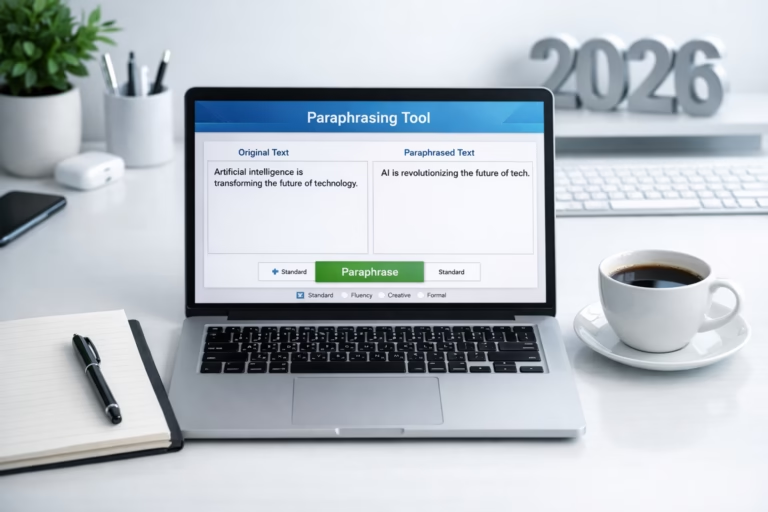
| QuillBot | Safe Paraphrasing | ~$8.33/mo (Student Annual) | Built-in plagiarism checker and rewording tools. For a complete breakdown, read our QuillBot vs Grammarly GO 2026 comparison. |
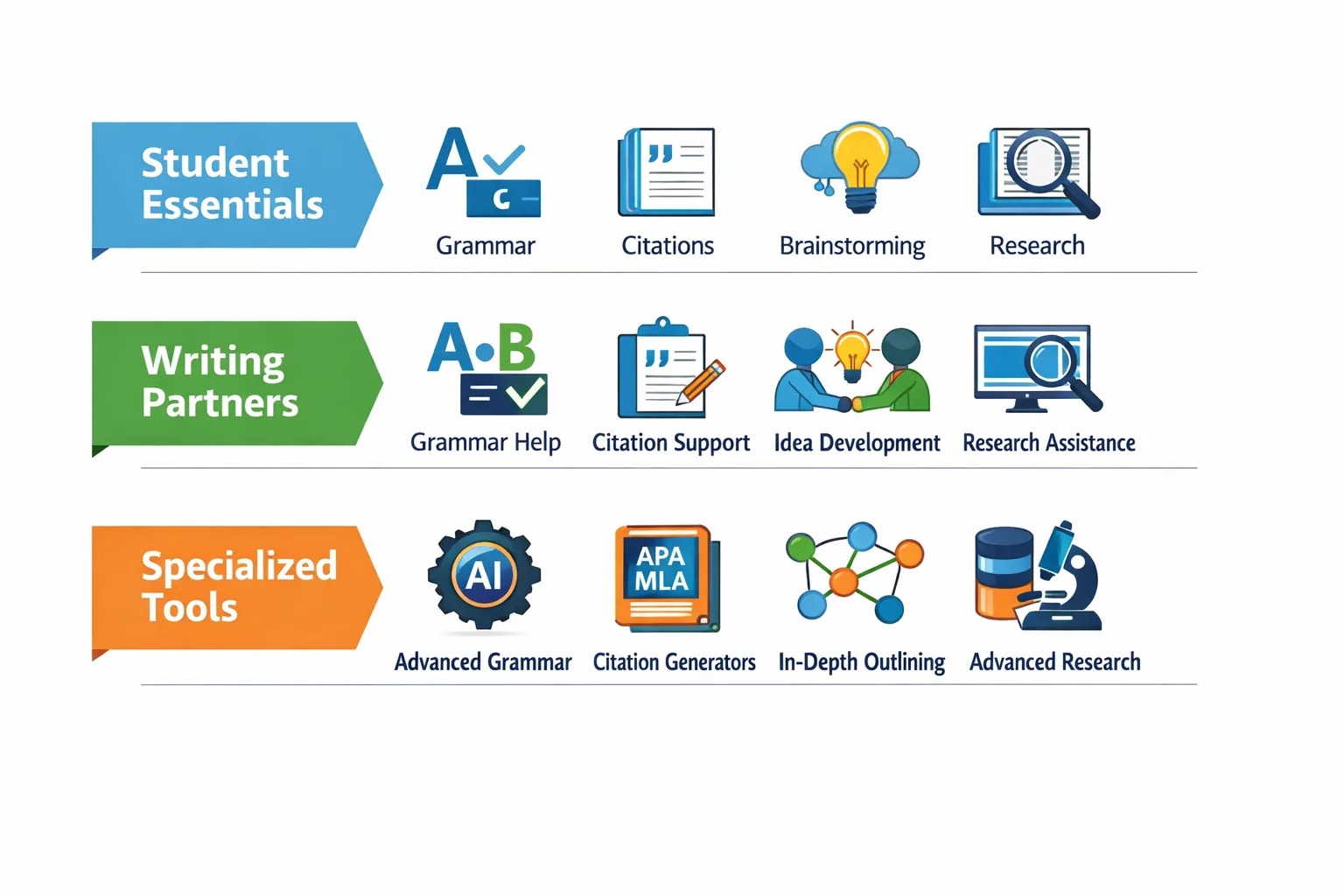
Tier 2: Powerful Brainstorming & Writing Partners
ChatGPT (OpenAI): Unbeatable for generating ideas, outlines, and breaking down complex topics conversationally.
Claude (Anthropic): Excels at logical reasoning and summarizing long texts. It helps organize detailed, evidence-heavy essays. See how Claude stacks up in our Claude vs ChatGPT vs Gemini 2026 face-off.
Wordtune: “Academic” mode specifically helps refine sentences to sound more formal, moving away from casual “chat” language.
Tier 3: Specialized & Niche Helpers
Thesify / Writefull: Specifically designed for researchers. These tools provide diagnostic feedback on your logic and argument strength.
Elicit: A “research assistant” that finds peer-reviewed papers and summarizes findings into evidence tables.
Zotero: FREE. An essential non-AI companion for organizing sources. It generates bibliographies instantly. Zotero pairs perfectly with other free AI tools for academic research we’ve reviewed.
Practical Student Workflows: How to Use These Tools
The magic happens when you combine the best AI tools 2026 into a simple, three-step process.
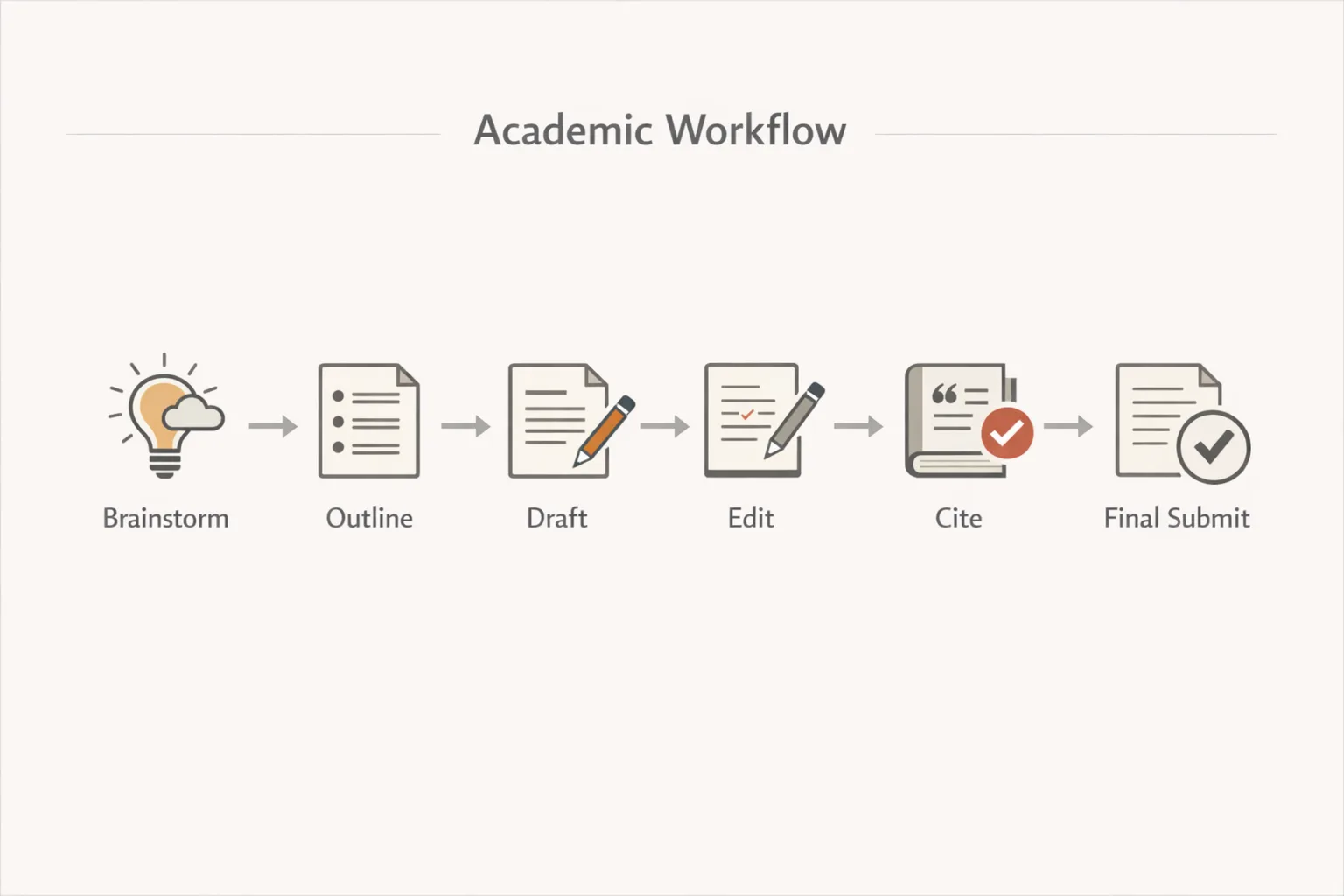
Workflow 1: The Efficient Essay (From Blank Page to Polish)
-
Brainstorm: Use ChatGPT. Prompt: “Help me brainstorm three strong thesis statements about [Topic] and create an outline for a 1,500-word paper.”
-
Write: Draft in your own words. Use Wordtune to “up-level” any sentences that feel too simple.
-
Audit: Use GrammarlyGO to check for tone and clarity. Then run a final scan through QuillBot for plagiarism safety.
Workflow 2: The Research Paper Power Method
-
Discover: Use Elicit to find the top 5 papers on your topic.
-
Draft: Upload those PDFs to Jenni.ai. Write your paper while the AI pulls in-text citations directly from those specific sources. For dedicated research organization, learn how to use NotebookLM for research effectively.
-
Review: Use Claude to critique your argument: “Are there any logical gaps in this literature review?”
The Student Budget Playbook: The Complete Free Stack
You can produce top-tier work without spending a dime. Here is the ultimate zero-cost setup:
-
Ideas & Outlining: ChatGPT (Free Tier)
-
Writing & Organization: Google Docs
-
Paraphrasing & Safety: QuillBot (Free Tier). Need more free options? We’ve compiled the best AI paraphrasing tools available.
-
Citation Management: Zotero (Completely Free)
Pro Tip: Always scroll to the footer of a tool’s website. Look for an “Education” or “Student Discount” link. In 2026, most tools offer 40% to 60% off for verified .edu emails.
Top 3 Mistakes Students Make with AI Tools
-
Pasting the entire prompt. This creates generic, detectable content. Instead, use AI for parts, not wholes.
-
Skipping the editing step. AI text often sounds robotic. Always edit for your unique voice.
-
Assuming AI is always correct. Fact-check every statistic and citation. AI can “hallucinate” fake sources.
Using AI Ethically: The Student’s Safety Guide
In 2026, the standard policy for most universities is: AI as a tutor/editor = Okay. AI as an author = Misconduct.
The “Am I Doing This Right?” Checklist
Before you hit submit, ask yourself:
-
Did I generate the core ideas and arguments myself?
-
Did I write the actual sentences of the first draft?
-
Is the AI primarily used for editing, clarifying, or formatting?
-
Can I explain this paper’s logic to my professor in my own words?
Frequently Asked Questions (FAQ)
Q1: Which is the best AI tool 2026 for avoiding plagiarism? QuillBot remains the industry leader for students. Its 2026 Plagiarism Checker is designed to recognize both traditional and AI-generated similarities. For students on a budget, explore these free QuillBot alternatives that work just as well.
Q2: Can I use AI to write my whole essay? While possible, it is highly detectable and considered academic dishonesty. Modern tools like Turnitin AI are incredibly accurate at spotting fully AI-written content.
Q3: How do I properly cite AI assistance? Most 2026 syllabuses require a “Statement of GenAI Use” rather than a simple citation. Mention how you used it (e.g., “I used ChatGPT to structure my initial outline”).
Your Action Plan
Identify your biggest hurdle—starting, finishing, or citations. Test one of the free tools mentioned above today. Start small. Maintain your original voice. Use these tools to sharpen your thinking, not replace it.



Leave a Comment
Your email address will not be published. Required fields are marked *
No Comments Yet
Be the first to share your thoughts!