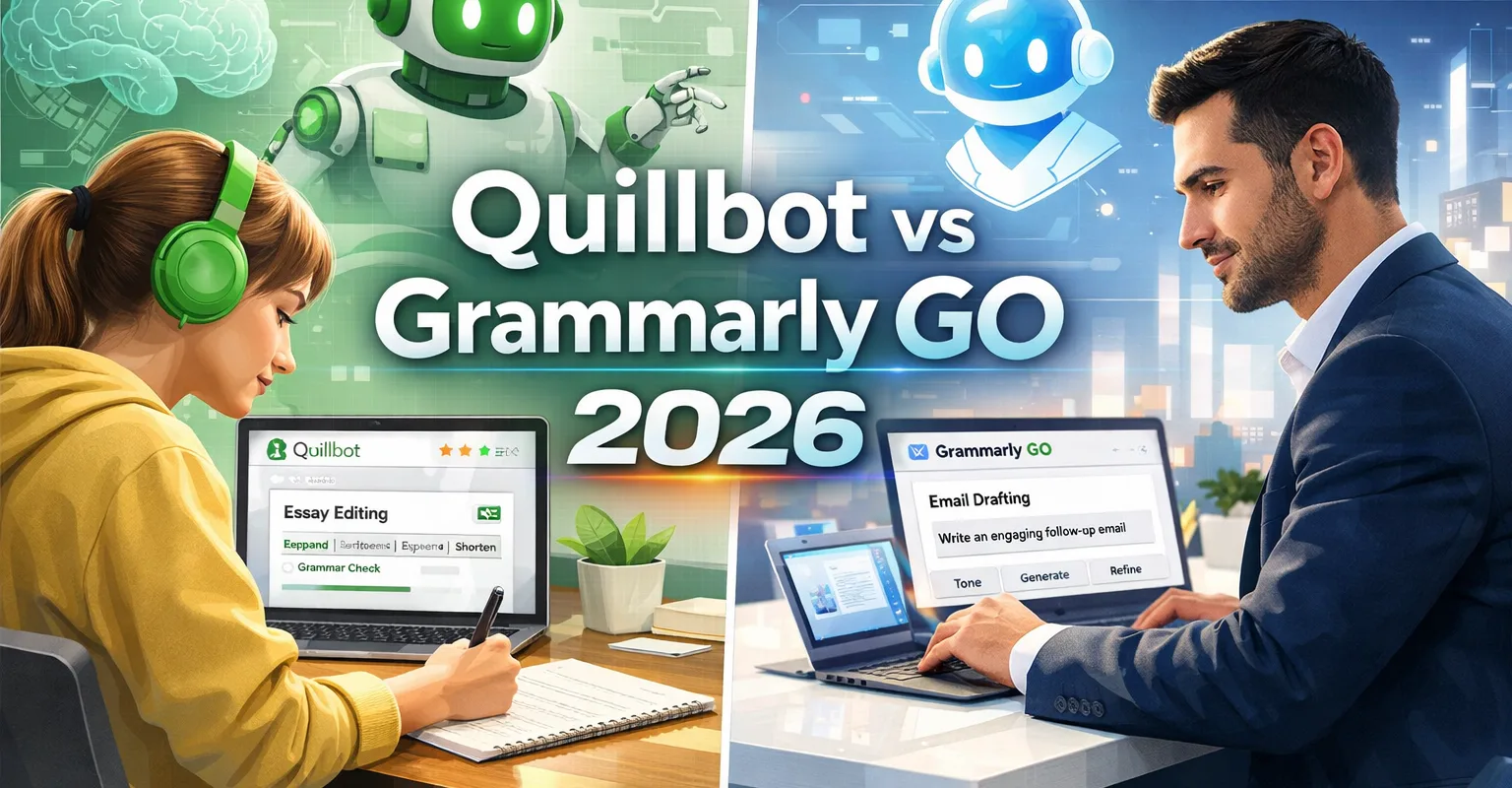
Quillbot vs Grammarly GO 2026 is the ultimate debate for writers this year. Both apps have added powerful new features that change how we create content. Whether you are a student, a blogger, or a business professional, this guide will help you choose the right AI writing tool. We cover everything from pricing and speed to the new AI detection and productivity agents.
For a complete overview of all top platforms, see our Best AI Writing Tools 2026 guide.
Quillbot 2026: The Best AI Humanizer for Students
How Quillbot Humanizer Works in 2026
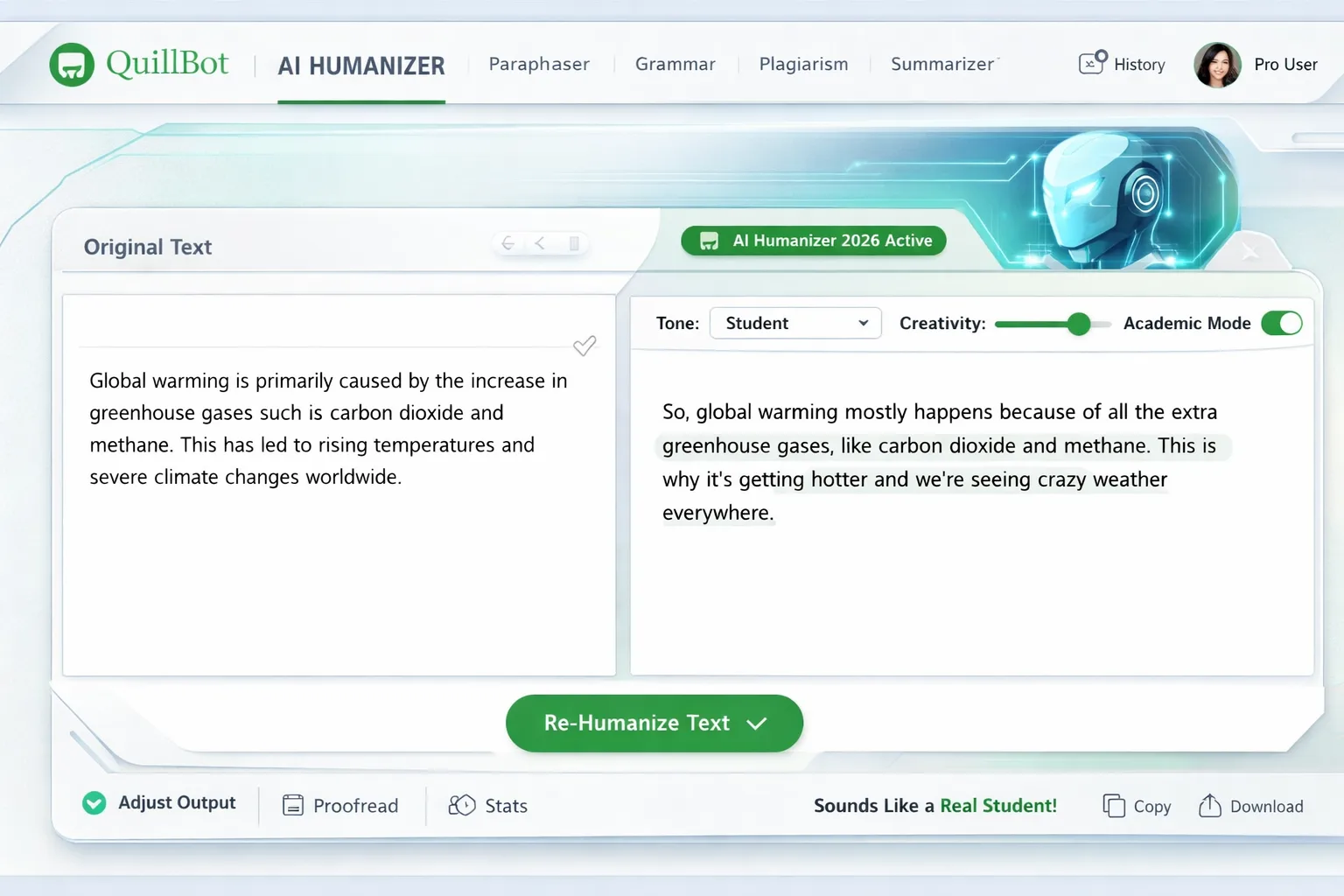
Quillbot 2026 has introduced a game-changing feature called the “AI Humanizer.” This tool makes AI-generated text sound like it was written by a real person. It modifies word patterns and varies sentence lengths to bypass modern AI detectors. Students love it because it is fast and simple. You can use it to make a stiff ChatGPT draft sound natural and authentic in just one click.
Academic Features: Citation Generator & Fluency Mode
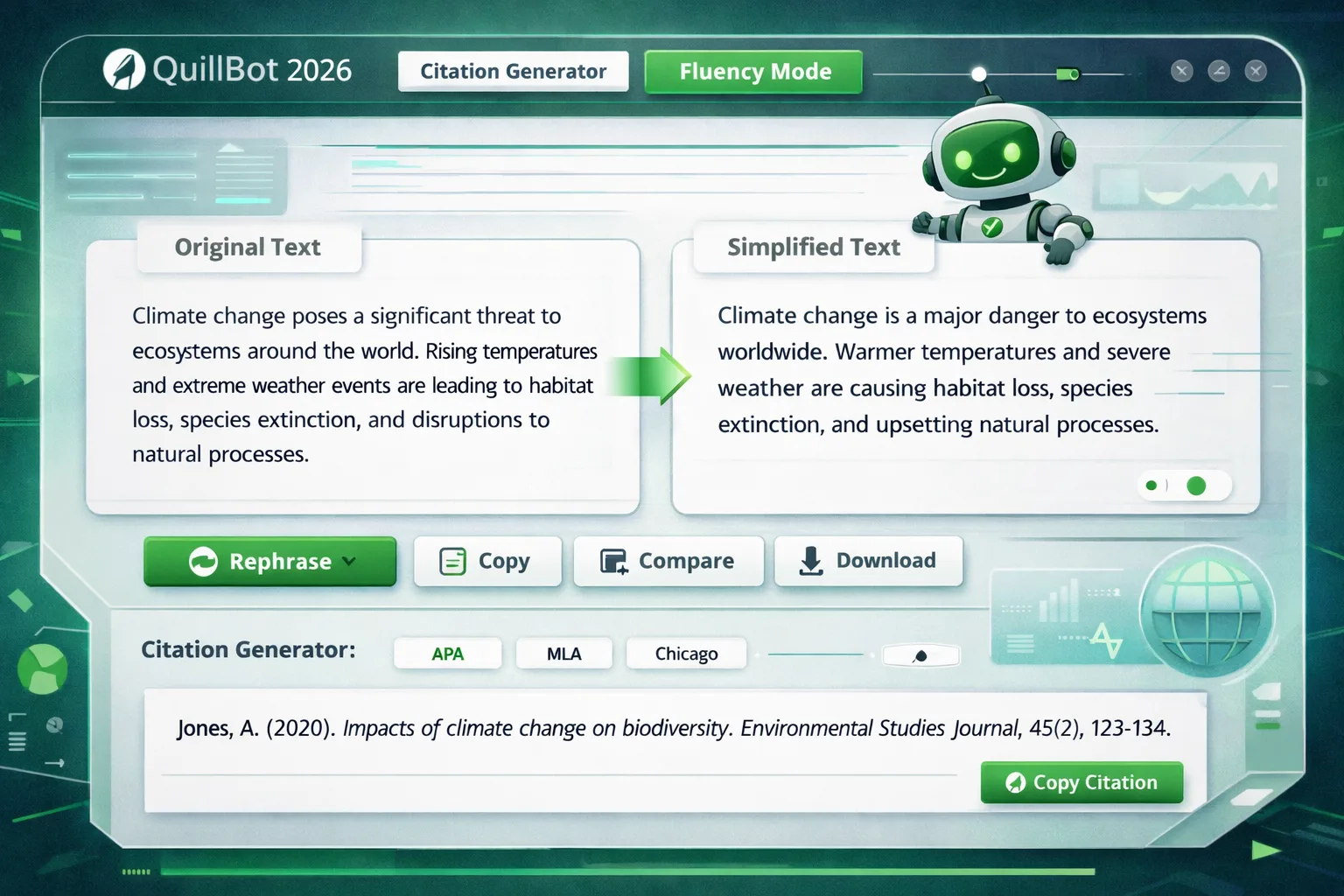
Built-in citation generators are now a standard part of the Quillbot suite. This is perfect for essays and research papers where accuracy is required. The Fluency Mode is another favorite. it simplifies complex AI language to make it more relatable. This is excellent for semantic SEO because Google rewards content that is easy for humans to read.
Internal Link: Learn more in our Best AI Paraphrasing Tools 2026 post.
Grammarly GO 2026: The Superhuman AI Agent
The Superhuman Rebrand: Productivity Features for Teams
Grammarly GO 2026 is now part of the Superhuman AI suite. It acts as a professional AI Agent rather than just a spellchecker. It helps draft emails, project updates, and Slack messages using your unique brand voice. Teams choose this tool for its “Context Awareness.” It knows who you are talking to and adjusts your tone automatically to fit the situation.
Office Integration and Contextual Assistance
Works with Outlook, Microsoft Word, and 500,000 other apps. Superhuman Go connects to your calendar and your documents. It can see when you are busy and suggest meeting times for you. It also adapts to your previous writing style. This saves professionals several hours of manual work every week. It is the best choice for anyone working in a high-pressure office environment.
Pricing Comparison: Quillbot vs Grammarly GO 2026
| Feature | Quillbot (2026) | Grammarly GO / Superhuman |
| Premium Cost | $8.33/month (Annual) | $12/month (Pro Plan) |
| Free Version | 125-word Paraphrase Cap | 100 AI Prompts per Month |
| Best For | Students & Budget Users | Teams & Professional Writers |
| Key Tech | AI Humanizer Mode | AI Agent & Workflow Support |
Insight: Quillbot is the best for individuals on a tight budget. Grammarly GO (Superhuman) is the ideal choice for business teams that need advanced productivity tools.
Feature Showdown: Paraphrasing vs. Productivity
Quillbot alternative that bypasses AI detection
Quillbot focuses on humanizing AI content to stay under the radar. However, Grammarly GO offers something different called “Authorship Reports.” This feature provides a digital certificate that proves your work is original. This is very important for journalists and honest creators who want to show they wrote the work themselves. It builds massive trust with editors and search engines.
How to make AI text sound like a student
Use Quillbot’s Fluency Mode to fix robotic writing. You should avoid the complex words that AI often produces. After the tool rewrites the text, manually tweak a few sentences. This ensures the flow matches a student’s natural voice. It is the most effective way to avoid getting flagged by university AI checkers.
GEO Optimization: Global AI Writing in 2026
AI Writing for USA, UK, and India
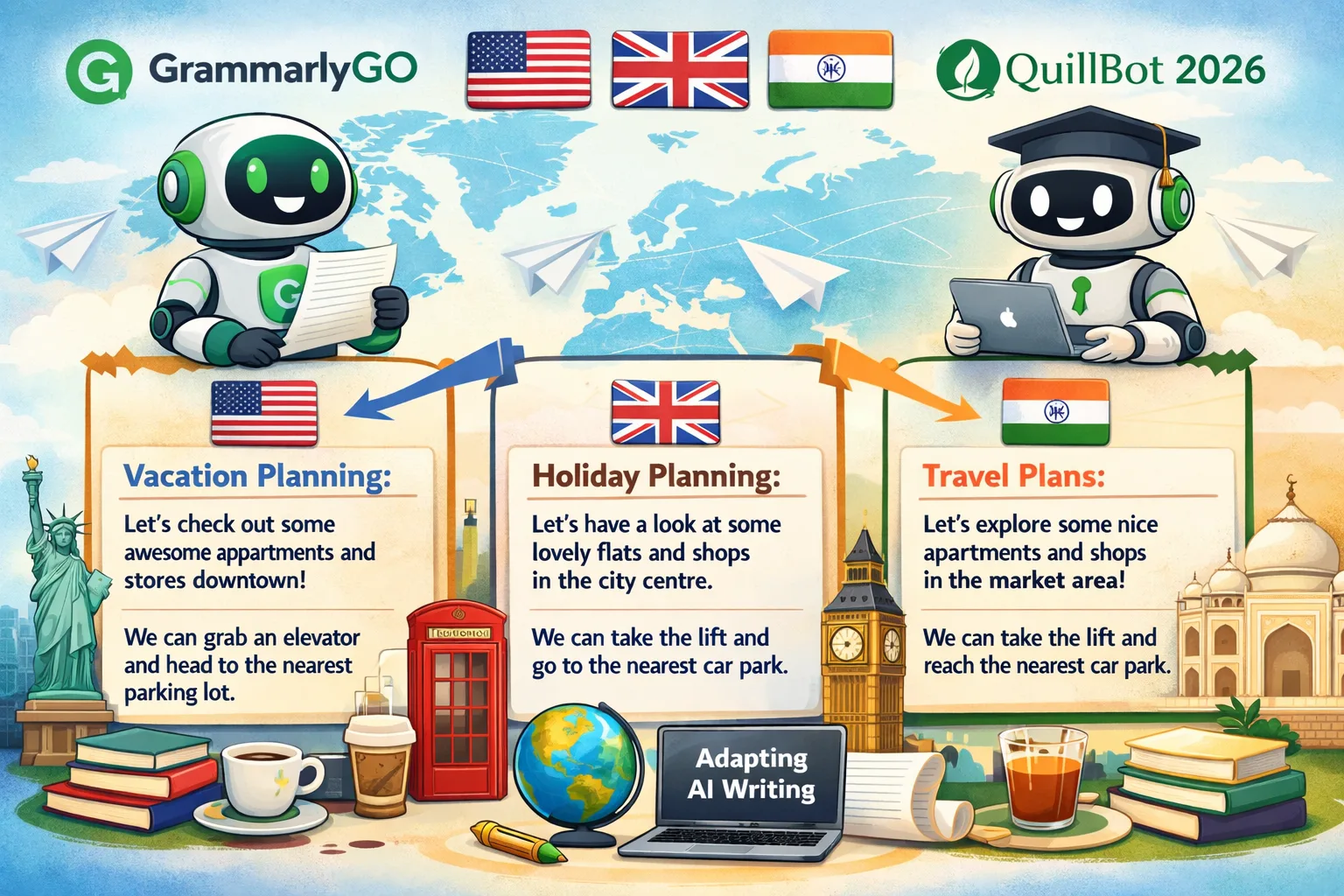
Grammarly GO adjusts spelling and phrasing based on your location. It knows the difference between American and British English perfectly. Quillbot also supports multiple languages, which is great for global students. You can create region-specific content that reads naturally in London, New York, or Delhi. This makes your blog more accessible to a worldwide audience.
Step-by-Step Guide: Using These Tools in 2026
Quillbot 2026 Setup for Students
-
Paste your text into the Quillbot editor.
-
Choose “Academic” or “Humanize” mode from the menu.
-
Edit the output manually to ensure it is 100% unique and safe from detectors.
Grammarly GO 2026 Setup for Professionals
-
Download the Grammarly/Superhuman app for your computer.
-
Activate the AI chat assistant in your email or word processor.
-
Ask the AI to draft summaries or updates based on your current project data.
Advanced Features: Reader Reactions & AI Grading
Grammarly Superhuman: Reader Reaction Tool
Predicts how your audience will respond to your message. It tells you if you sound too aggressive or too shy. It also suggests improvements for clarity and tone. This helps you avoid misunderstandings in important business communications.
Quillbot Alternative: The AI Grader
Scores assignments based on your specific prompt. This helps students see where they need to improve before they submit their work. It acts like a 24/7 tutor that helps you get higher grades without paying for extra classes.
Mobile Writing: AI on the Go
Best free AI writing tools on mobile 2026
The Grammarly Keyboard for iOS and Android provides real-time grammar and tone checks while you are texting. It is the best way to stay professional on mobile. The Quillbot mobile app is better for research. It features a “Speech-to-Text” tool that lets you record your ideas and turn them into a structured essay instantly.
Final Verdict: Quillbot vs Grammarly GO 2026
Which one is best for you?
-
Choose Quillbot if you are a student or a budget-conscious user. It is the best for paraphrasing and humanizing AI tasks.
-
Choose Grammarly GO if you are part of a team or a professional who needs high-speed productivity and advanced AI agent features.
For more in-depth reviews, see our Best AI Writing Tools 2026 pillar post.
Frequently Asked Questions (FAQ)
Q1: Which is cheaper, Quillbot or Grammarly GO in 2026?
Quillbot is cheaper. It costs $8.33/month, while Grammarly GO Pro costs $12/month.
Q2: Can students use Grammarly GO for free?
Yes. Free users get 100 AI prompts per month and basic grammar checks.
Q3: How do I make AI text sound human with Quillbot?
Use the Humanize Mode and then manually change a few words to break the AI patterns.
Q4: Which tool is better for business teams?
Grammarly GO 2026 is the winner for businesses due to its integration with over 500,000 workplace applications.



Leave a Comment
Your email address will not be published. Required fields are marked *
No Comments Yet
Be the first to share your thoughts!